Build around a work session
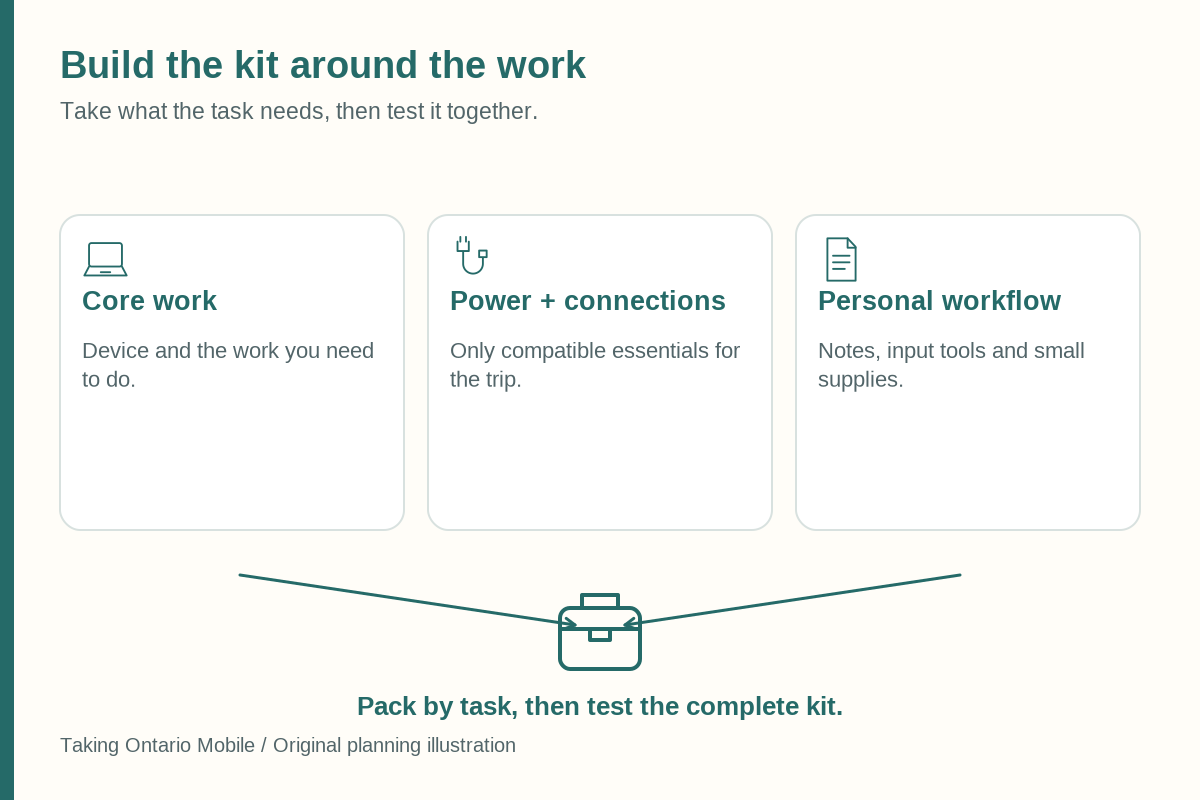
Write down one realistic away-from-home session: the work, expected duration, devices, inputs and outputs. A person annotating documents needs a different kit from someone presenting to a room. Start with that scenario before comparing bags and accessories.
Divide the kit into required, useful and optional items. Keep an optional item only if you can explain the task it supports. This is a planning method rather than a claim that one universal kit works in every location.
Trace the device dependencies
A device may need a cable, charger, adapter, stand or software access before it can do its job. Record those dependencies beside the device so a small forgotten accessory does not make the larger item unusable.
Check compatibility using the exact equipment’s instructions. A matching connector shape is not enough evidence of charging, display or data capability. Keep the original model information with your private kit notes so replacements can be checked properly.
Pack by the order you use things
Place the first-needed items where you can reach them without unpacking the entire bag. Group small accessories by task, such as “present” or “charge”, rather than putting every cable in a single tangled pocket.
Test the packed kit at a table before traveling. Set up, complete the work task and pack down using only what is in the bag. Note any missing item and any item that never earns its space. The rehearsal is your own fit test; it does not establish a venue’s rules or facilities.
Check the destination separately
- Verify that the location permits the kind of work and equipment you plan to use.
- Check access, booking, opening times and available facilities directly.
- Check transport-provider and country rules separately for batteries or restricted items.
- Keep the kit list private if it identifies valuable devices or sensitive work.
- Use the packing checklist again when leaving so a complete setup becomes a complete return.
Portable-kit planner
| Task | Required device | Dependency | Where packed |
|---|---|---|---|
| Write / edit | Your device | Verified power and input needs | Choose an accessible position |
| Present | Your equipment | Verified display connections | Group by presentation task |
| Return / handover | Files and equipment | Record required next action | Use your chosen private system |
Put the plan to work
Use your own information to make a practical next step.
Open the planning worksheetSources and review
This guide is an original planning resource. Its worksheets and examples are organizational aids, not a report of product testing or verified customer results.
An original organizational worksheet and workflow. Examples are illustrative, not reports of customer results.
How these guides are prepared